Noomiclone Maps: Twelve Bars, Six Courses, One Browser Scene
Two Modes, Eighteen Maps, One Scene
- Bar mode
- Twelve maps, per the Google Play listing for the mobile release. The loop on every one of them is the same: swing, release, catch.
- Tumbling mode
- Six maps, built from boxes, ramps, platforms and moving blocks according to the same listing.
- Together
- Eighteen maps, which is how the App Store description summarises the pair: twelve on the bar plus the tumbling courses.
- Browser build
- One scene and no selector. Nothing in the browser build corresponds to the eighteen-map list.
- Where a map is chosen
- In the mobile app. The browser build exposes no map menu at all.
The Bar Roster, as the Listing Gives It
- Classic
- Named first in the run of four the listing gives. Which of the twelve it is, the listing does not say.
- Trampoline
- Named second in that run. Its place among the twelve is not published.
- City
- Named third in that run. Its place among the twelve is not published.
- Workout Park
- Named fourth and last in that run. Its place among the twelve is not published.
- Unnamed 1
- Counted in the twelve. No name and no place in the order is published.
- Unnamed 2
- Counted in the twelve. No name and no place in the order is published.
- Unnamed 3
- Counted in the twelve. No name and no place in the order is published.
- Unnamed 4
- Counted in the twelve. No name and no place in the order is published.
- Unnamed 5
- Counted in the twelve. No name and no place in the order is published.
- Unnamed 6
- Counted in the twelve. No name and no place in the order is published.
- Unnamed 7
- Counted in the twelve. No name and no place in the order is published.
- Unnamed 8
- Counted in the twelve. No name and no place in the order is published.
Why Eight of the Twelve Have No Name Here
The count of twelve is official; the names are not. The listing introduces the bar maps as a run that begins at Classic and Trampoline and ends at City and Workout Park, and then stops. Nothing else in the store copy, the App Store description or the developer's own pages fills the gap.
Four names out of twelve is a thin roster, and it would be easy to make the list look complete by inventing eight plausible ones. That would be a page about a game that does not exist. So the eight are shown as counted, unnamed entries, and the words on this page are spent on the parts that can be checked.
If the developer ever publishes the full list, these eight rows are the only place that changes.
What the Browser Build Actually Contains
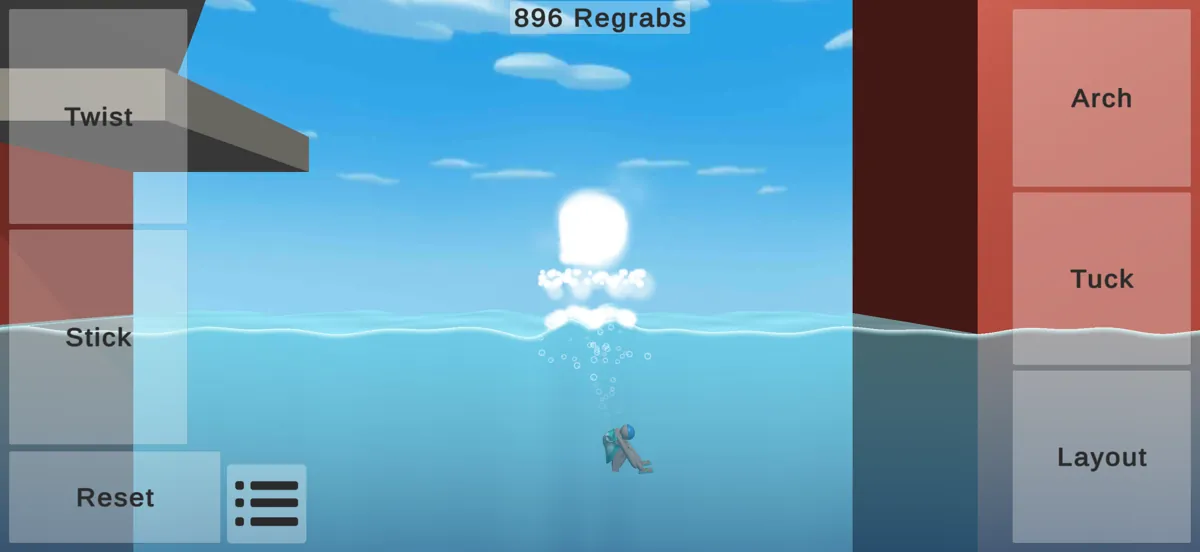
The scene the browser build loads is a single outdoor gym: a red floor, a white bar held up by white posts, a blue sky with clouds, and one black jointed ragdoll hanging from the bar. There is no scenery change, no course selection and no second layout behind a menu.
That is why this page calls it a scene rather than a map. A map in the mobile app is a choice you make before a run; the browser build makes that choice for you and never offers another one. A player on itch asked how to change maps and the reply pointed at the phone release, calling the browser build a proof of concept.
For practice the single scene is not a limitation so much as a constant. The bar never moves, so the only variables left are the swing, the release and the shape of the body in the air.
Six Tumbling Courses, Easiest First
Flat run
Boxes and a clear floor. Enough momentum to keep moving, and enough room to stop. The place to learn what a stuck landing feels like.
Ramp chain
Ramps that hand you speed you did not ask for. The difficulty is not the jump but the arrival: too much momentum and the landing slides.
Platform steps
Short platforms in sequence, each one a small decision. Mistakes cost height rather than the run, so this is where a repeatable rhythm gets built.
Gap crossing
Platforms with real space between them. The course that punishes an early jump hardest, because there is nothing to land on in between.
Moving blocks
Blocks that will not hold still. Timing replaces aim: the run only continues if the body and the block agree on the same moment.
Mixed course
Everything above in one run. By this point the useful skill is restraint: taking the safe line rather than the fast one.
How Switching Between Maps Works
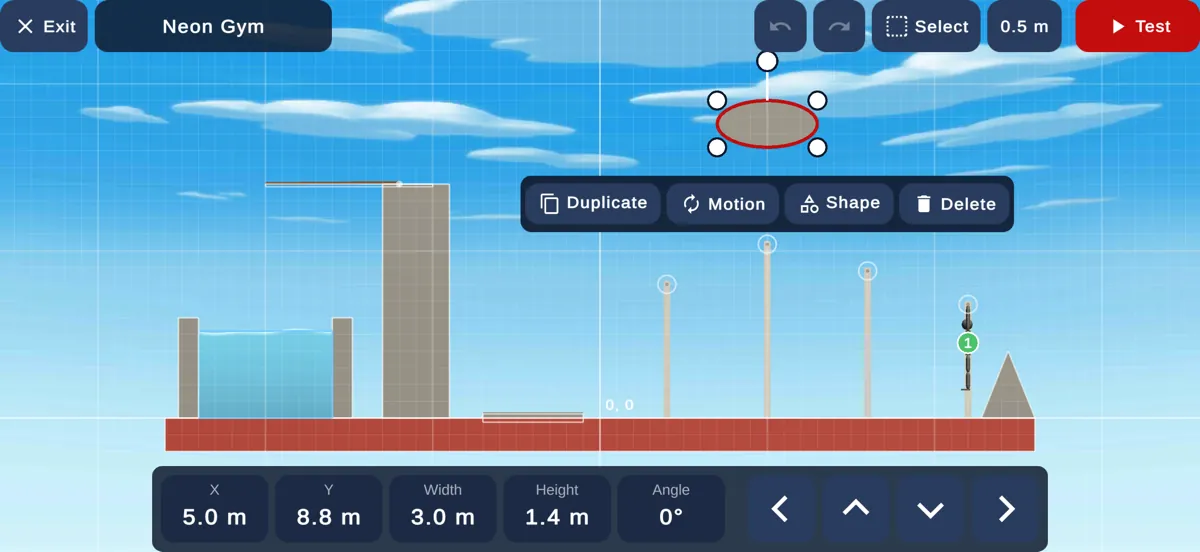
On mobile, the map is part of the run you start: you pick it in the app and the scene loads behind it. In the browser build there is no equivalent control, because there is only one scene to load.
If you arrived here looking for a map selector on this page, that is the honest answer: the browser version does not have one, and no page on this site can add it. The version comparison page sets out what else differs between the two releases.
Where to Go Next
The controls page covers how to hold a swing long enough to make any of these scenes playable, and the browser-versus-mobile page lists the features that exist on one release and not the other.