Noomiclone Browser vs Mobile: Which Version You Are Actually Getting
One Table, Two Releases
- Browser build
- Version 0.9. The developer's itch page still tags it as in development.
- Mobile app
- Version 2.3.2, published to the stores on 6 October 2026.
- Scenes
- One in the browser; eighteen in the app, split between bar and tumbling.
- Slow motion
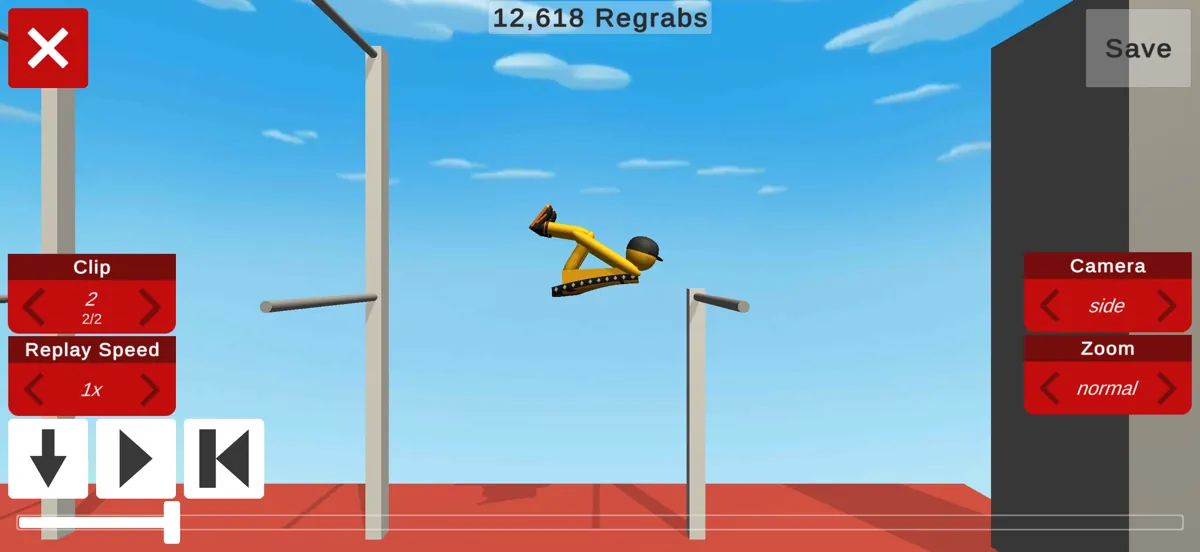
- App only. It exists for timing a release that the browser build asks you to time by eye.
- Replay
- App only, and it exports a finished run as a video file.
- Custom buttons
- App only: the on-screen controls can be dragged and resized.
- Progress backup
- App only, through an optional account. The browser build never asks you to sign in.
- Frame rate option
- App only, aimed at screens that refresh at 120Hz.
- Languages
- The store listing claims seventeen for the app and does not name them.
- Platforms
- Browser on HTML5; iOS and Android natively; Windows through Google Play Games on PC.
- Price
- Free either way. The app carries ads and in-app purchases, mainly for skins.
- Ratings and reach
- Google Play 4.4 from about 16.5K reviews and 5M+ installs; App Store 4.19 from 365 ratings; itch 5.0 from a single rating.
Frame Rate, and What It Changes
The app's high frame rate setting only matters on a screen that can show it: a 120Hz panel refreshes twice as often as a standard one, so the same second contains twice as many chances to see where the body is. That is a real advantage in a game decided by tens of milliseconds.
In the browser, frame rate is whatever the machine and the tab can manage. The build is Unity WebGL, so a desktop with a discrete GPU and a phone with a mid-range chip will not feel the same, and the fixed scene at least keeps the comparison honest: same bar, same release point, different smoothness.
No published figure exists for the browser build's frame rate, so this page does not claim one. Treat it as measurable on your own machine rather than as a spec.
Four Keys, or Four Buttons You Can Move
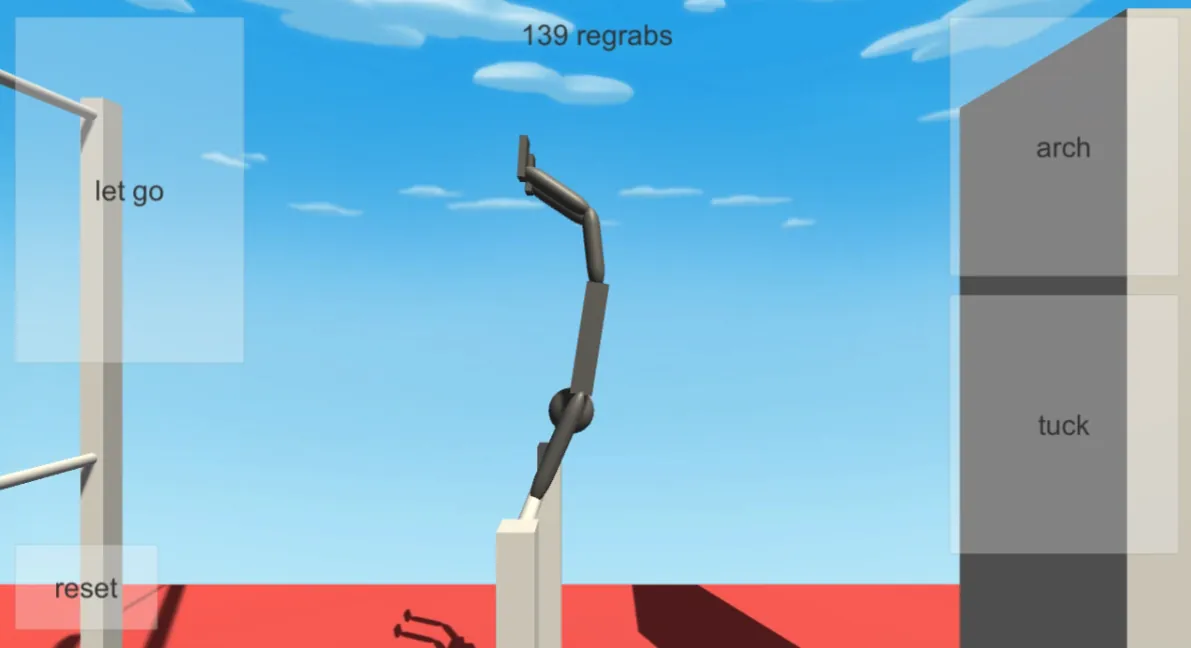
On a keyboard the four actions sit under the fingers: left arrow, spacebar, up arrow and R. In the browser on a phone, the same four actions appear as large buttons at the edges of the frame, and a mouse or a thumb presses them instead.
The app goes one step further and lets those buttons be dragged and resized, which matters on a wide phone where the thumb cannot reach the far edge. That customisation is not in the browser build; the button positions there are fixed.
The practical difference is smaller than it sounds. Both releases bind four actions and nothing else, so the muscle memory transfers; only the geometry changes.
What Survives a Closed Tab
The browser build asks for no account, which also means there is nothing to restore: closing the tab ends the run, and the regrab count starts again from zero. That is an inference from the absence of a login rather than a documented promise, but it is the only reading consistent with a build that never prompts for a sign-in.
The app offers an optional account that backs progress up, so the eighteen-map ladder can be resumed on another device. It is optional, which suggests the game is playable without it, but the store description does not say what a signed-out player loses.
If progress matters to you, that single difference is the strongest argument for the app over the browser.
Which Release Fits Which Device
Desktop or laptop
The browser build, because the four keys map onto the keyboard and nothing has to be installed to try the swing.
Phone, 120Hz screen
The app, where the frame rate setting and movable buttons both have something to do. The browser build shows its buttons but cannot move them.
Tablet
Either works, and the larger screen favours the browser build: the buttons are already big, and the page needs no install.
Windows desktop, store version
Google Play lists a Windows route through Google Play Games on PC. If that route is unavailable in your region, the browser build covers the same single scene.
The One-Minute Answer
Play the browser build to learn the swing: one scene, four keys, no account, nothing to install. Move to the app when you want the eighteen maps, the slow motion used for timing a release, replays you can export, or buttons you can place yourself.
What they share is an author and an engine, not a feature list, and the table above is the whole of the difference as far as the public listings describe it.
Where to Go Next
The download page walks through the store listings step by step, including how to check you have the right developer; the map overview explains what the eighteen maps and the single browser scene actually are.