
Noomiclone Download: Store Links, Versions and Checks
Who Actually Needs to Install Anything
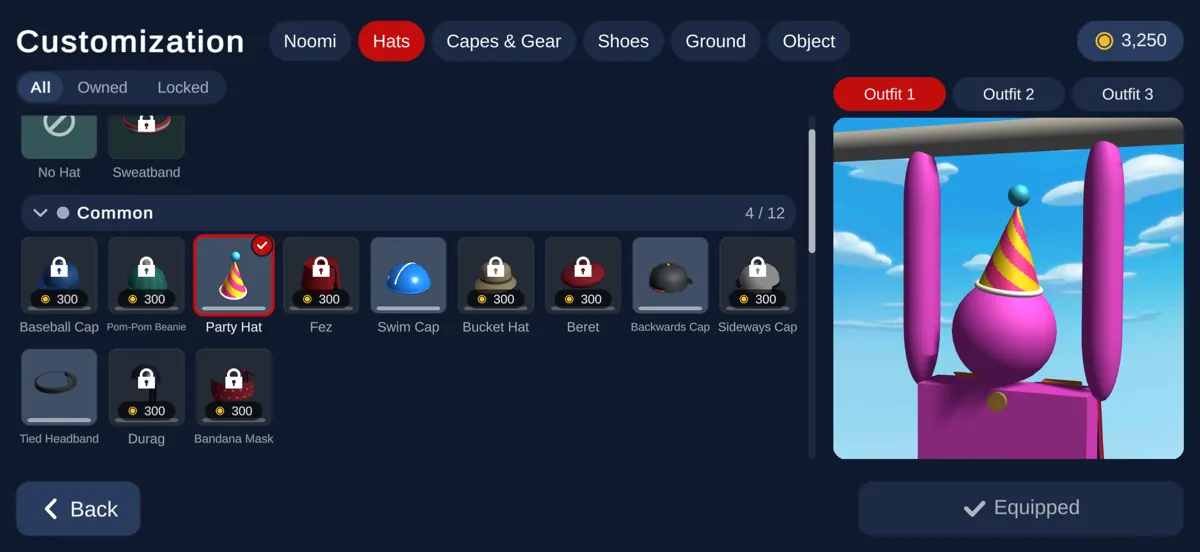
If you only want to try the swing, you do not need this page: the version on the homepage runs in the tab and asks for nothing. Downloading only starts to make sense when you want what the mobile release has and the browser build does not — the eighteen-map ladder, the slow motion used to time a release, replays you can keep, and buttons you can move.
So the honest split is: install it if you intend to work through the maps or record runs. Skip it if you are checking whether the game is for you. Both are complete ways to play the same physics.
Five Steps, and Two Checks That Matter
- 1
Pick the store, not a mirror
The iOS release lives on the App Store and the Android release on Google Play. Third-party download sites that wrap the same file are not the path the developer publishes.
- 2
Check the developer name
Apple credits Matthew Jones; Google Play shows the developer name NoomiClone Dev, with a developer section reading Matthew Louis Jones. If a listing shows a different publisher, it is not this game.
- 3
Check the package name
On Android the identifier is com.JamesWest.NoomiClone. It is the least spoofable thing on the page and the one field a clone cannot copy without becoming a different app.
- 4
Confirm the version before you commit
The current mobile release is 2.3.2, updated 6 October 2026. A listing offering a much older version is either stale or not the original.
- 5
Install, then decide about the account
The first launch works without signing in. The optional account is only for carrying progress between devices, so it can wait until you know you are staying.
Version and Update Record
- First release
- 30 December 2020, per the App Store metadata.
- Current mobile version
- 2.3.2, published 6 October 2026.
- Browser build
- 0.9, unchanged and still in development.
- Android package
- com.JamesWest.NoomiClone, developer NoomiClone Dev.
- Install size
- About 43.32 MB according to a third-party listing, which is a secondary source and moves with each release.
- Downloads
- 5M+ installs on Google Play.
- Languages
- Seventeen claimed by the store listing; none of them are named there.
- Release dates that disagree
- A third-party tracker records a December 2020 Google Play entry, and a Chinese wiki gives August 2021. The Apple date is the one used across this site.
What Each Release Needs
- Browser
- A browser with WebGL support and a connection able to pull the assets once, after which the four keys are all it needs.
- iPhone and iPad
- The App Store release, which is the full 2.3.2 build.
- Android
- The Google Play release under the NoomiClone Dev account.
- Windows
- Google Play lists a route through Google Play Games on PC rather than a standalone installer.
- Engine under all of them
- Unity 2019.4.16f1, with the browser build running as WebGL 2.0.
Avoiding the Wrong File
There is no Noomiclone 2 and no second official publisher. The developer's itch account carries one title, and the Apple developer account behind the app carries the same single game, so any page offering a sequel, a modded build or a second studio is selling something the developer never released.
The two checks that matter are the ones a copy cannot fake for free: the developer name on the store page and the package identifier on Android. Everything else on a listing, from the icon to the screenshots, can be reproduced by anyone.
Where to Go Next
The browser-versus-mobile page sets out what the installed release adds over the one in your tab; the controls page covers the four keys, which are the same on both.